top of page

Speeds and Feeds
Take the guesswork out of machining.

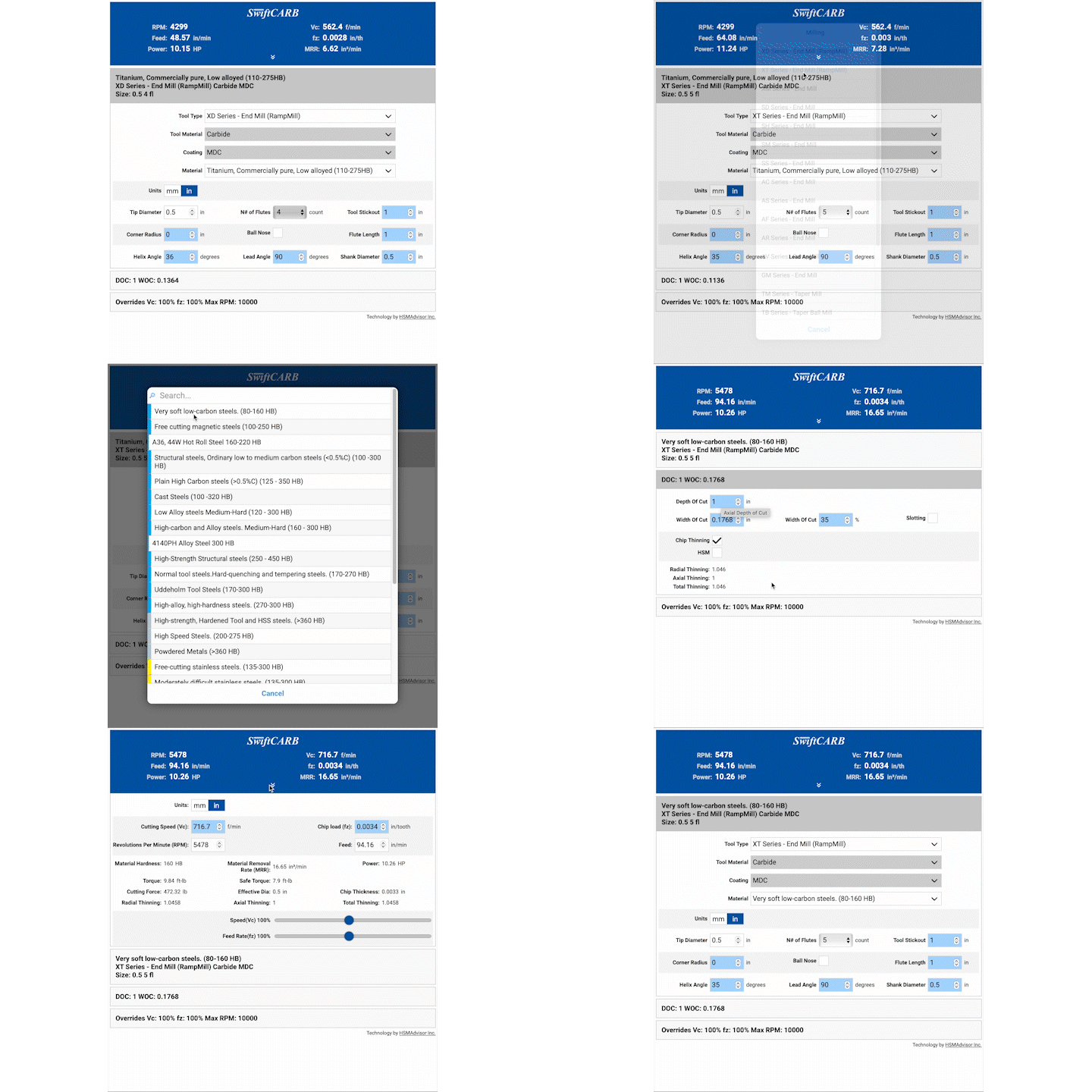
Simple, easy to use interface.
1. Begin by choosing your SwiftCARB tool series.
2. Select your coating if available for that particular series.
3. Material you'll be machining.
4.Then edit your tool parameters below such as diameter, flutes, stick-out etc.
5. Click the material bar to change depth of cut etc.
6. Now adjust your overrides. RPM, feed rate, speed.
7. Finally you can click the arrow in the top blue box to see your output values and access quick change variables.
bottom of page